 ThoughtKnot
Draw the graphs you write in your notes
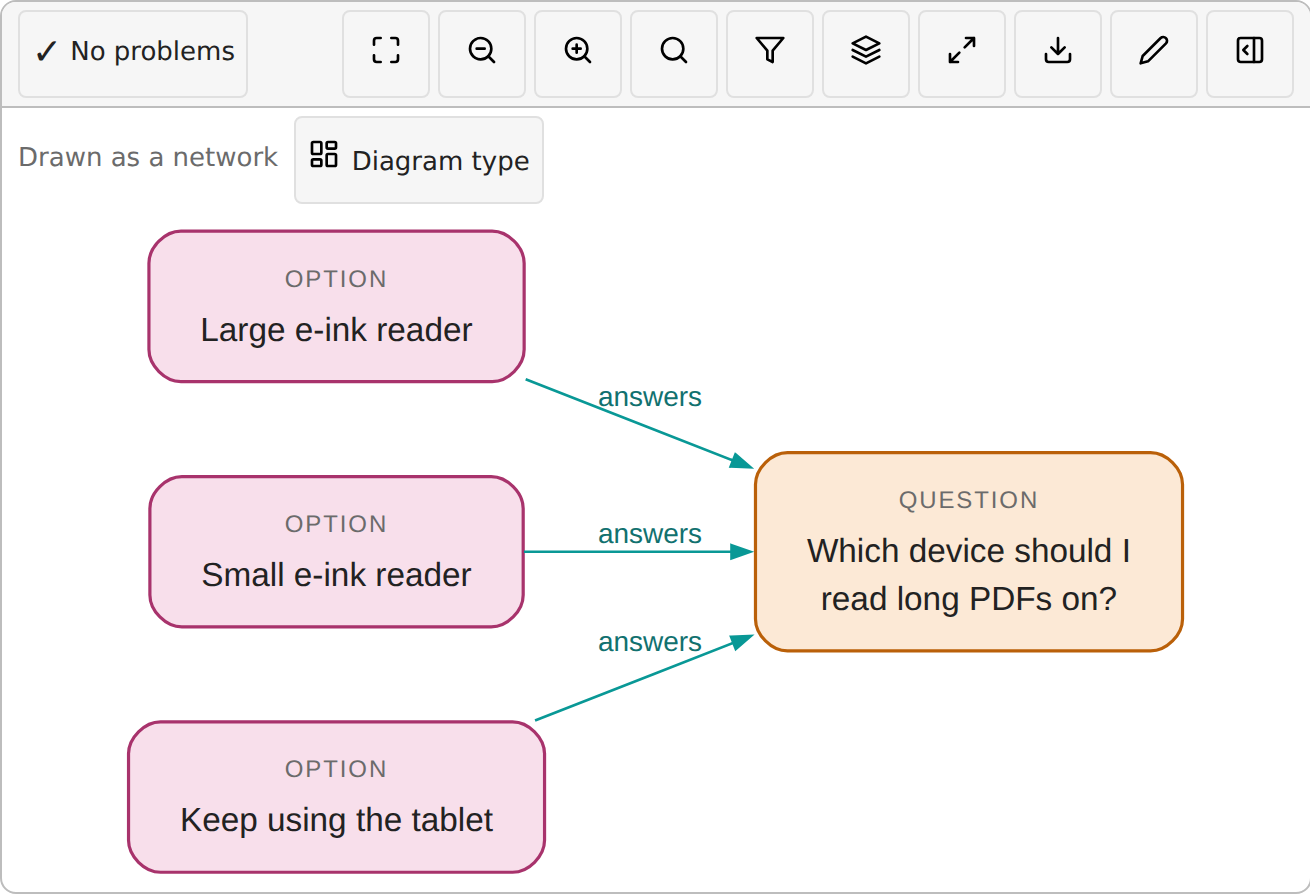
ThoughtKnot is a plugin for Obsidian. Write things and the links between them in a note, and it draws them. Change the graph by typing, or by tapping and dragging the drawing, and the note keeps up.
Get the latest release Read the guide
Latest release: 0.6.0
What it does
-
Type it or drag it
Edit the graph as text beside the note, or move and link things on the drawing. Both change the same note.
-
Seven ways to see it
Show the same graph as a network, a tree, a flow, a radial map, lanes, a timeline or a table.
-
Problems, with their fixes
A missing link or an unknown kind is shown on the drawing, with a fix you can apply in one step.
-
Offline and private
Everything runs on your device. No account, no tracking, no update checks. AI is off until you set up a model yourself.
-
Desktop and mobile
Works wherever Obsidian runs, with the keyboard, a mouse or touch, in light and dark themes.
-
An open format
Graphs are plain text in your notes. The format has free libraries in JavaScript and Python, so other tools can read it too.
How to start
- Download main.js, manifest.json and styles.css from the latest release.
- Put them in your vault, in the folder .obsidian/plugins/thoughtknot.
- In Obsidian, open Settings, then Community plugins, and turn on ThoughtKnot.
ThoughtKnot is still being built, so expect changes. It is not yet listed in Obsidian's community plugins.